Clip Recut
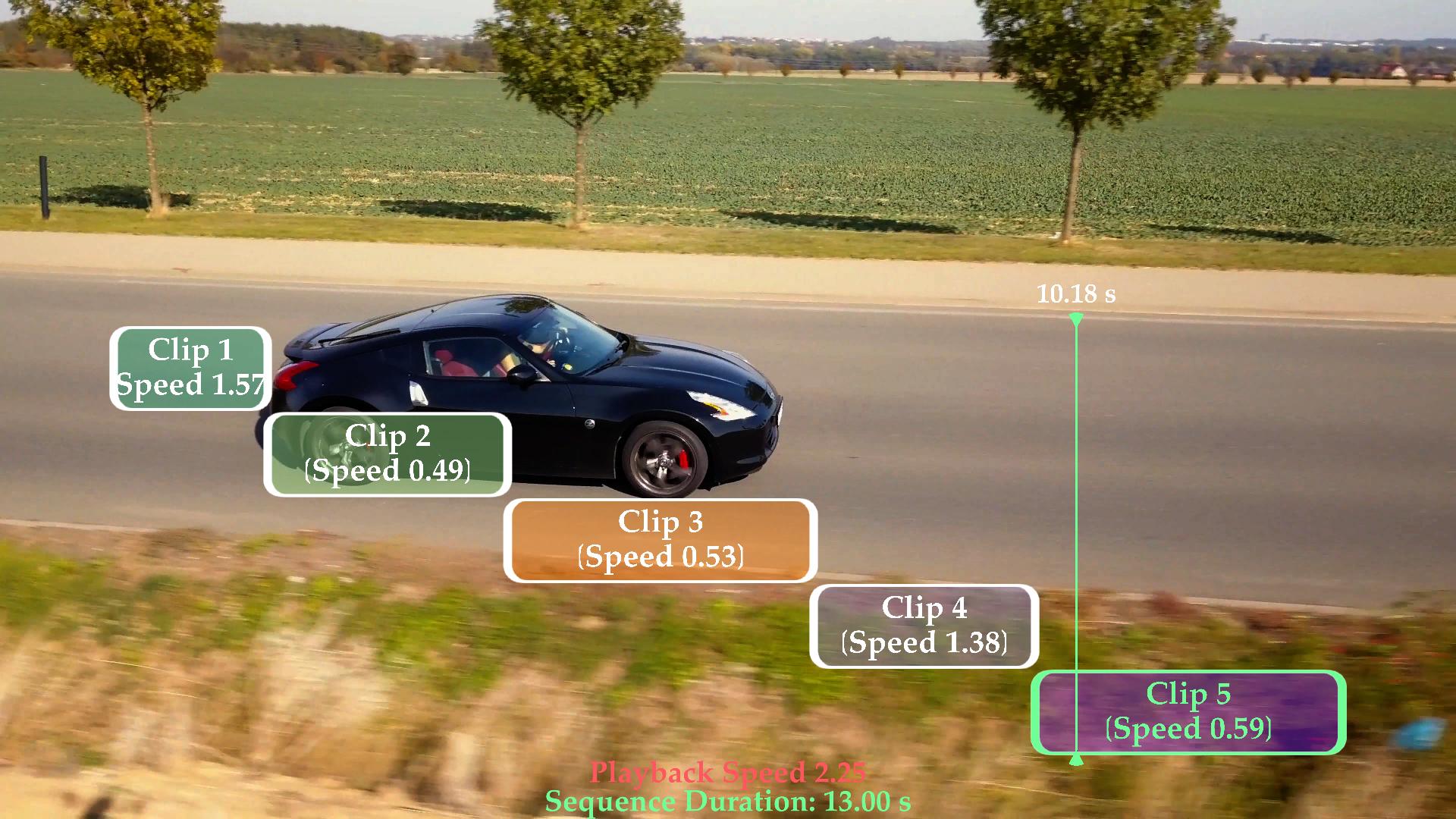
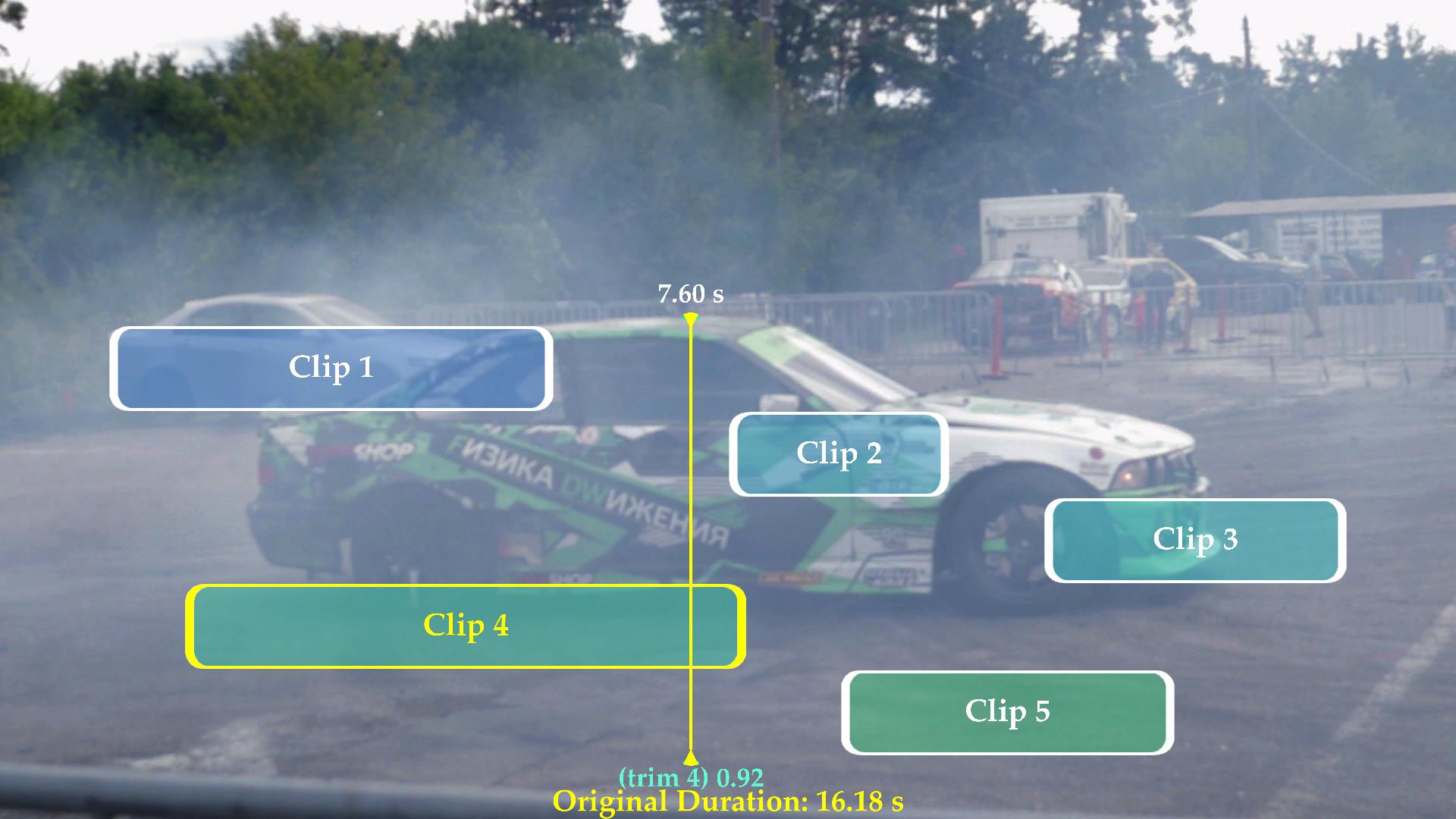
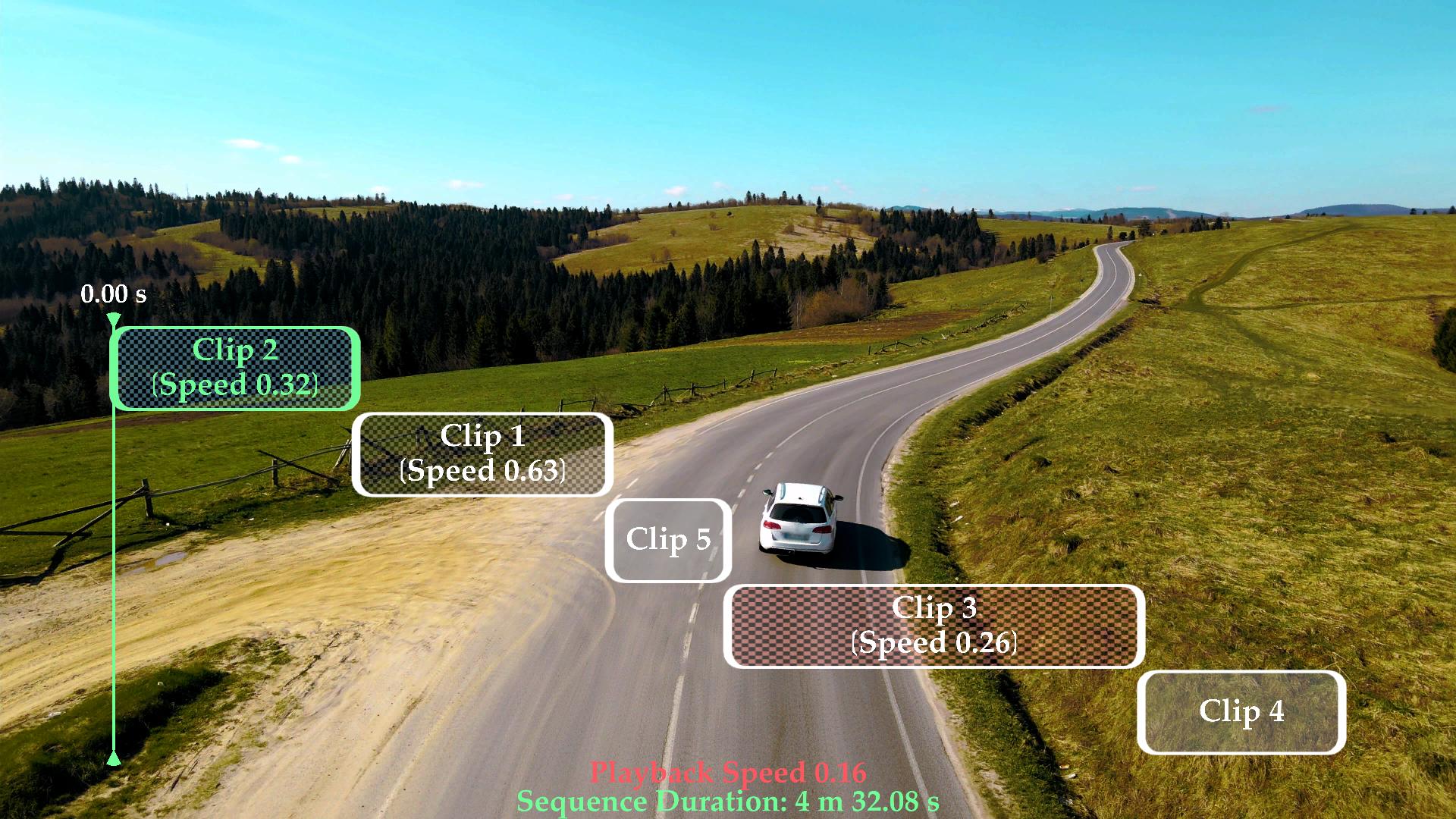
Clip Recut is a video editing tool for Resolume designed to help you edit clips quickly and intuitively directly inside your composition. The plugin brings a familiar DAW-style editing workflow into Resolume, allowing you to manipulate video clips in a natural and efficient way.
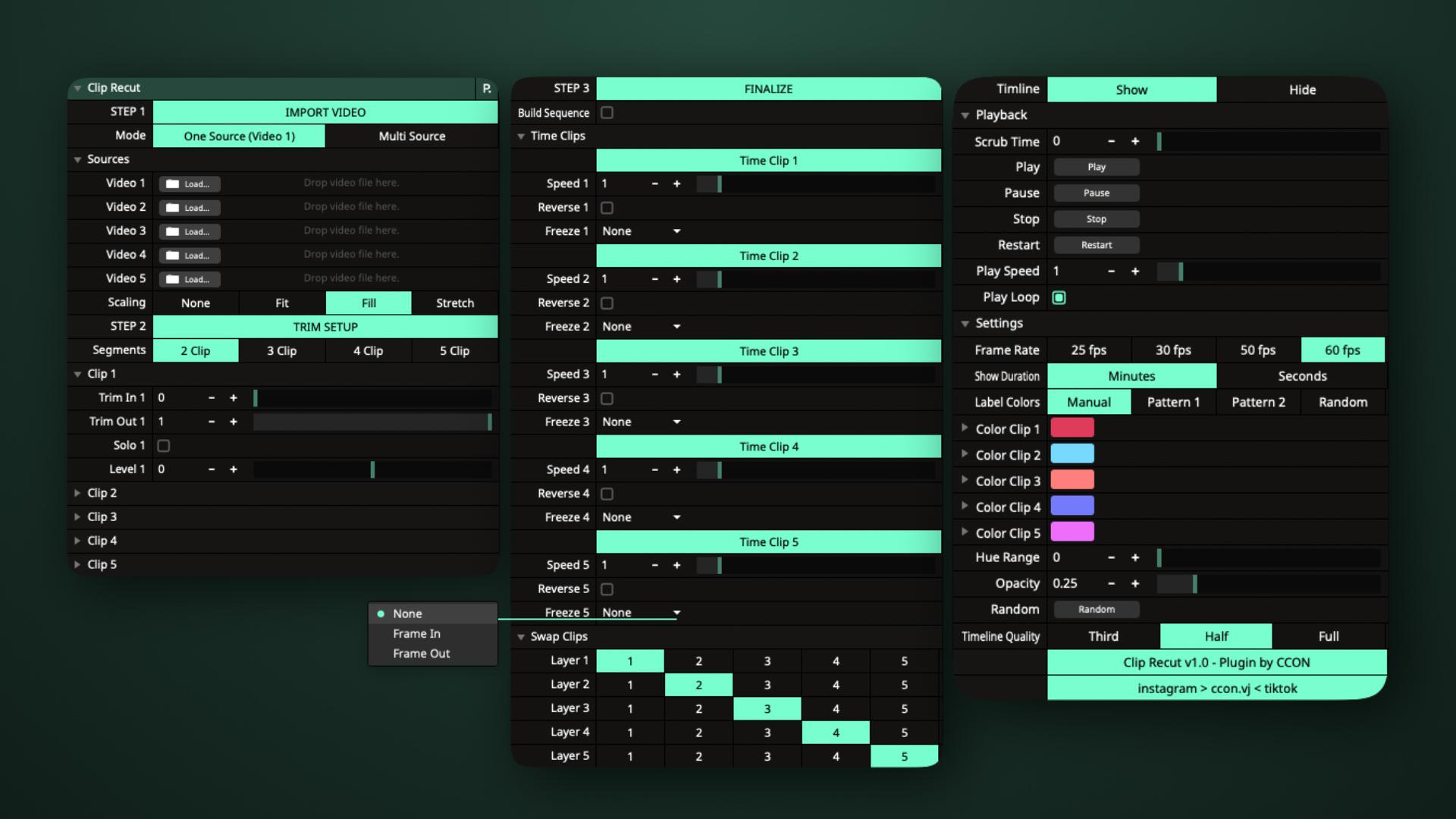
With Clip Recut, you can easily perform essential editing actions such as:
* Trim clips
* Speed time
* Reverse time
* Freeze frames
* Swap clips
* Adjust level colors
* Speed Playback
* …and more
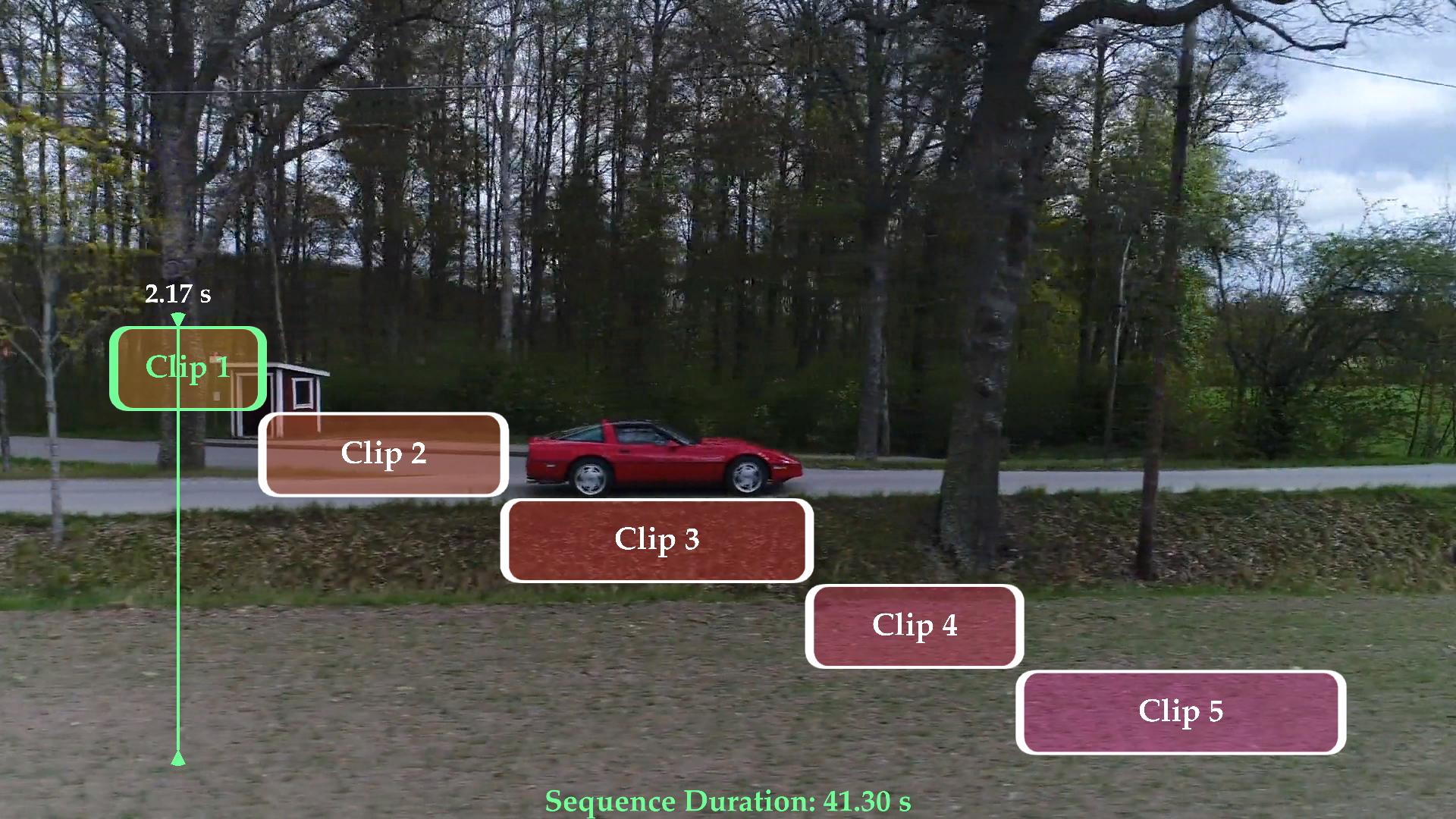
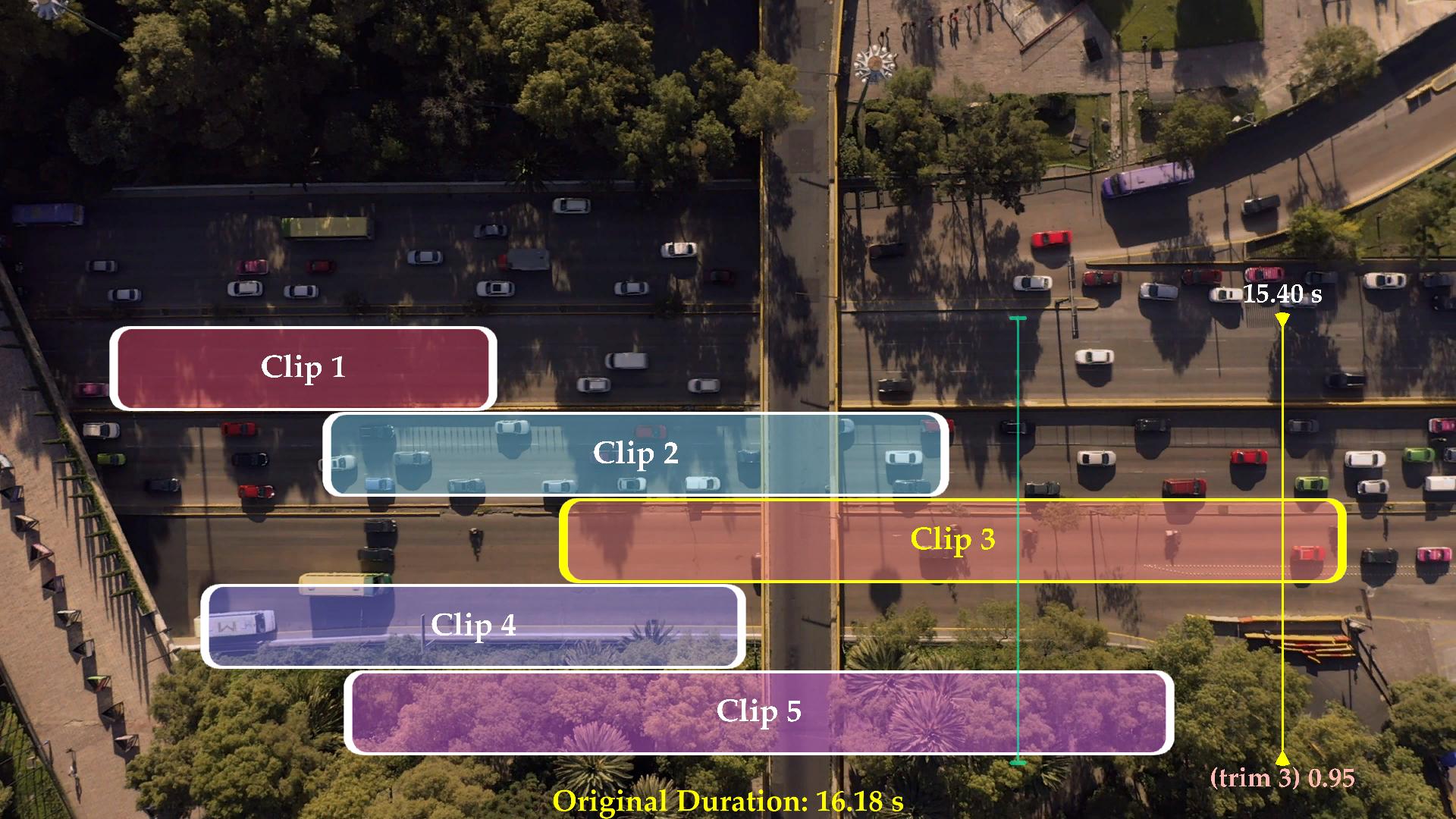
The plugin features a smart Scrub Time parameter that works like a playhead, allowing you to drag across the timeline and trim clips precisely at the playhead position using the (trim) values displayed on screen.
“Build Sequence” is a powerful feature that automatically assembles multiple clips into a complete sequence.
You can also use Autopilot (Duration) through the Duration value shown on screen. By reusing the plugin, you can easily extend your video sequence to 5, 10, 15 clips or more while maintaining a smooth workflow.
In addition, Label Color Settings allow you to customize the interface colors to match your personal style.
After you finish, you just need to hide the Timeline to remove the interface graphics from the screen. This will also noticeably improve your computer’s performance.
Clip Recut is designed to make your Resolume video workflow faster, simpler, and more intuitive.
Try it now and experience a new way to edit clips directly inside Resolume.