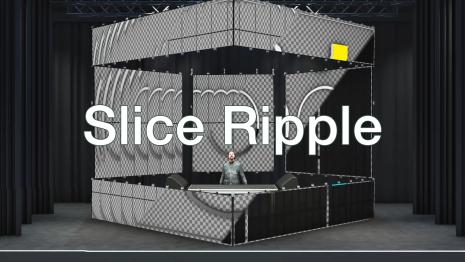
Slice Remap
Slice Remap - Switch your Advanced Output slice layouts live, mid-show, with a single button. Advanced Output keeps one preset loaded from start to finish, because every layout change happens inside the plugin. You can put it on any clip, layer or group. You are not limited to applying it to the whole composition, the way an Advanced Output preset works. Different layouts can run side by side on the same stage.
Two modes:
1. Input: each slice reads its picture from a different area of the composition. Swap screens or fix content that was rendered wrong, without re-rendering.
2. Output: each slice’s picture moves, scales and rotates to a new position together with its LED cell. Arrange the slices the way they sit on stage and you instantly have a stage preview, to check your content or send to a client for approval.
You build layouts in Advanced Output itself: open the preset you are using and Save As a new preset. Load that file into the plugin and it is ready.