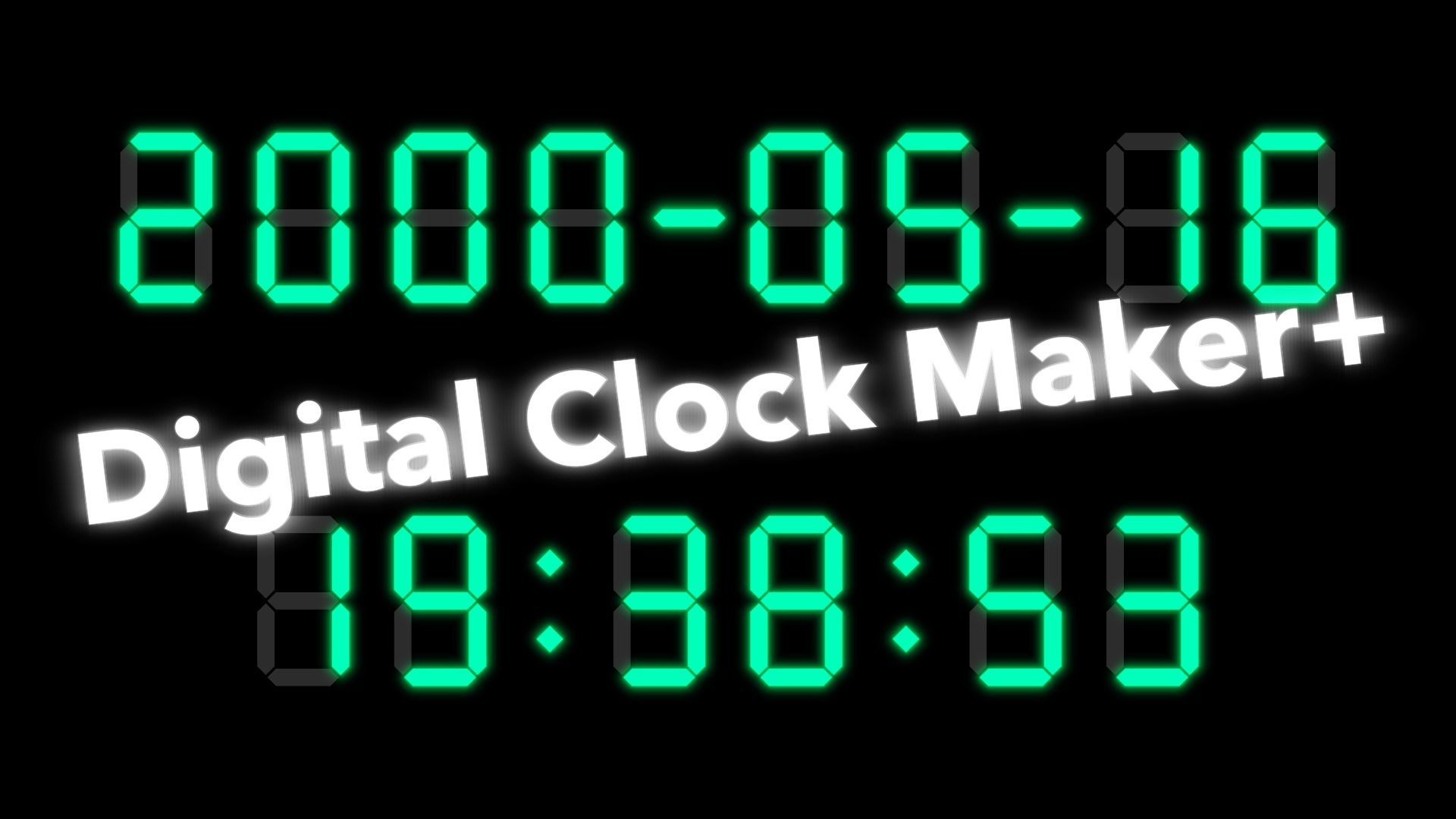
Digital Clock Maker +
Flexible Resource Usage
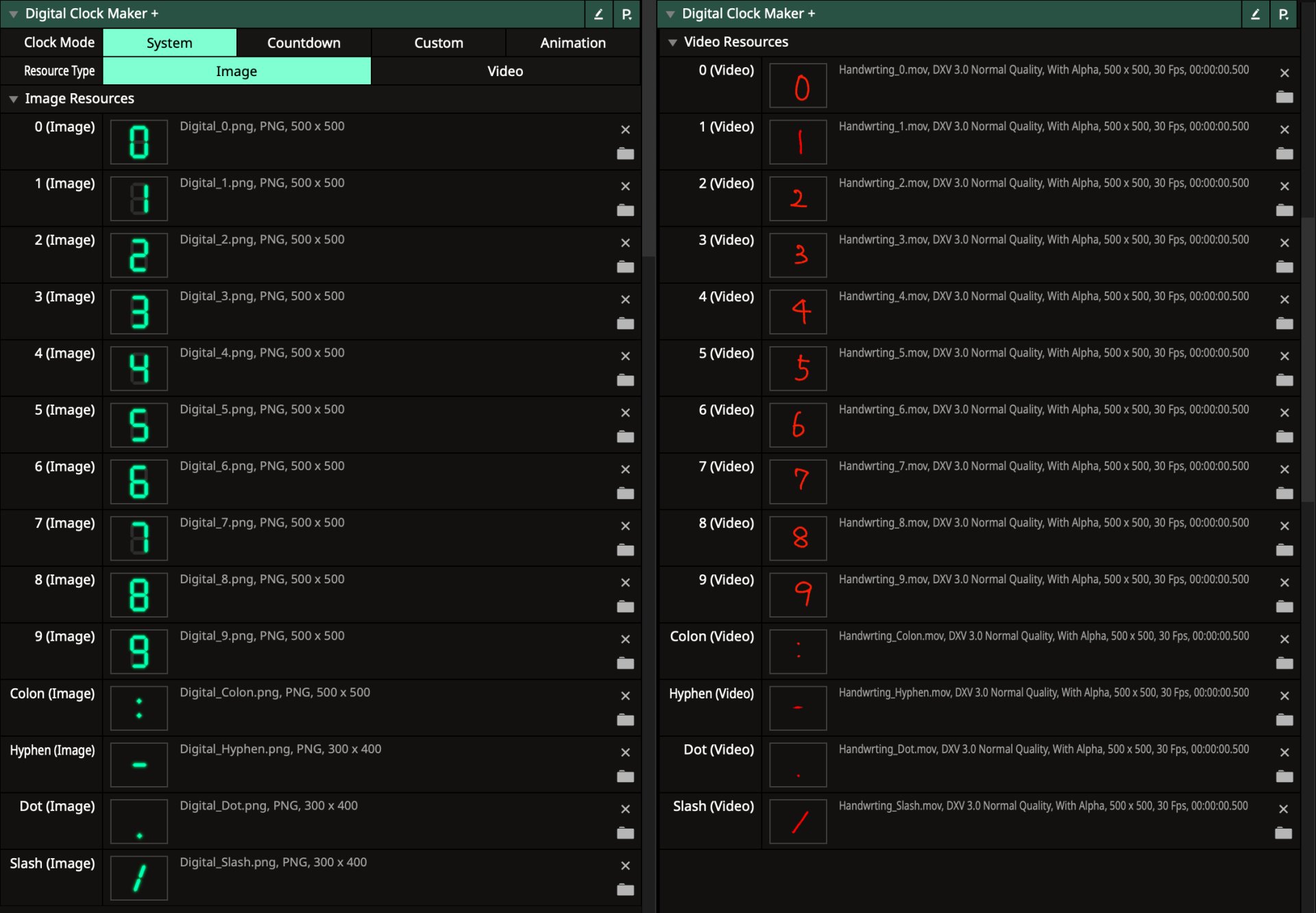
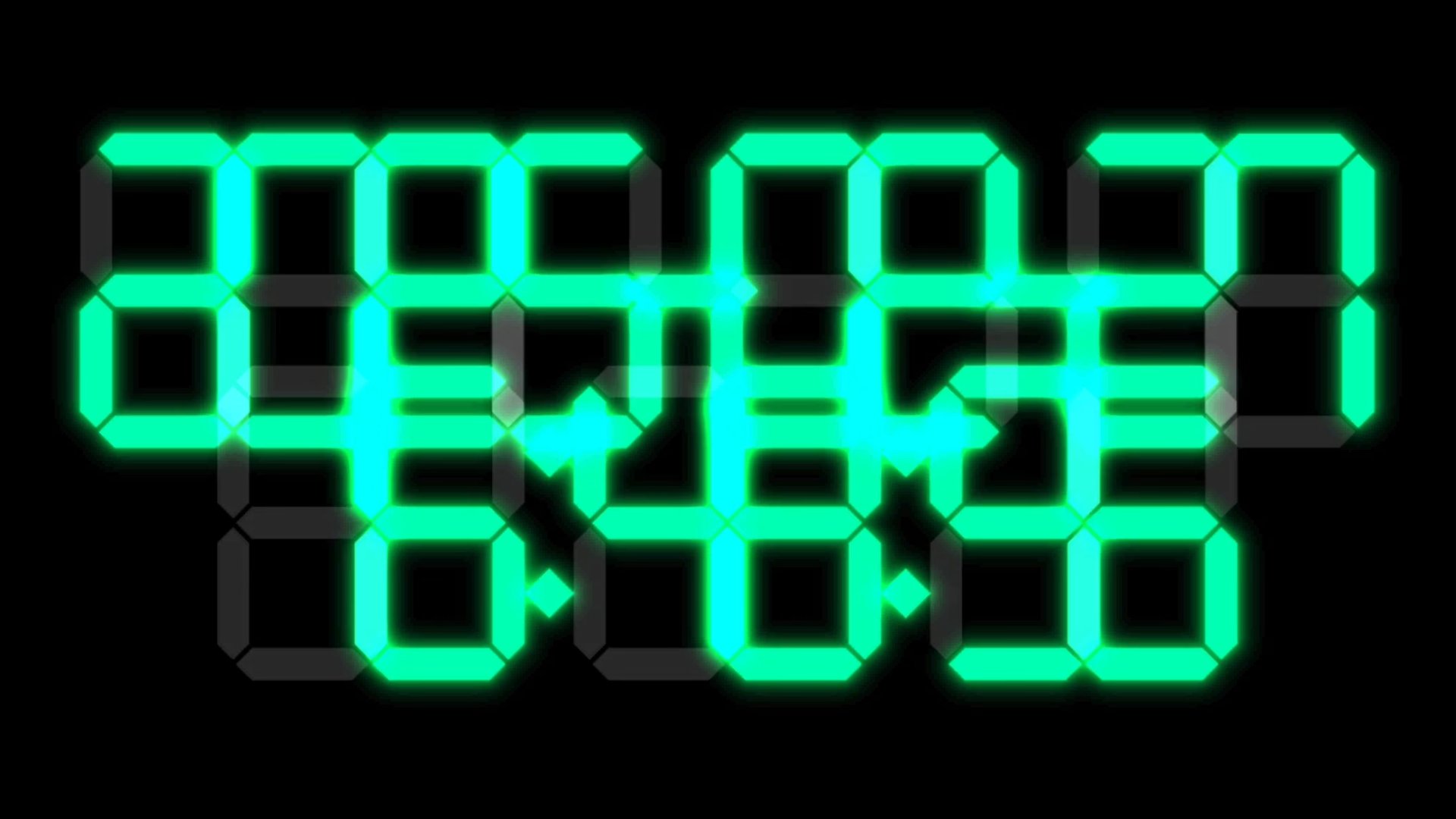
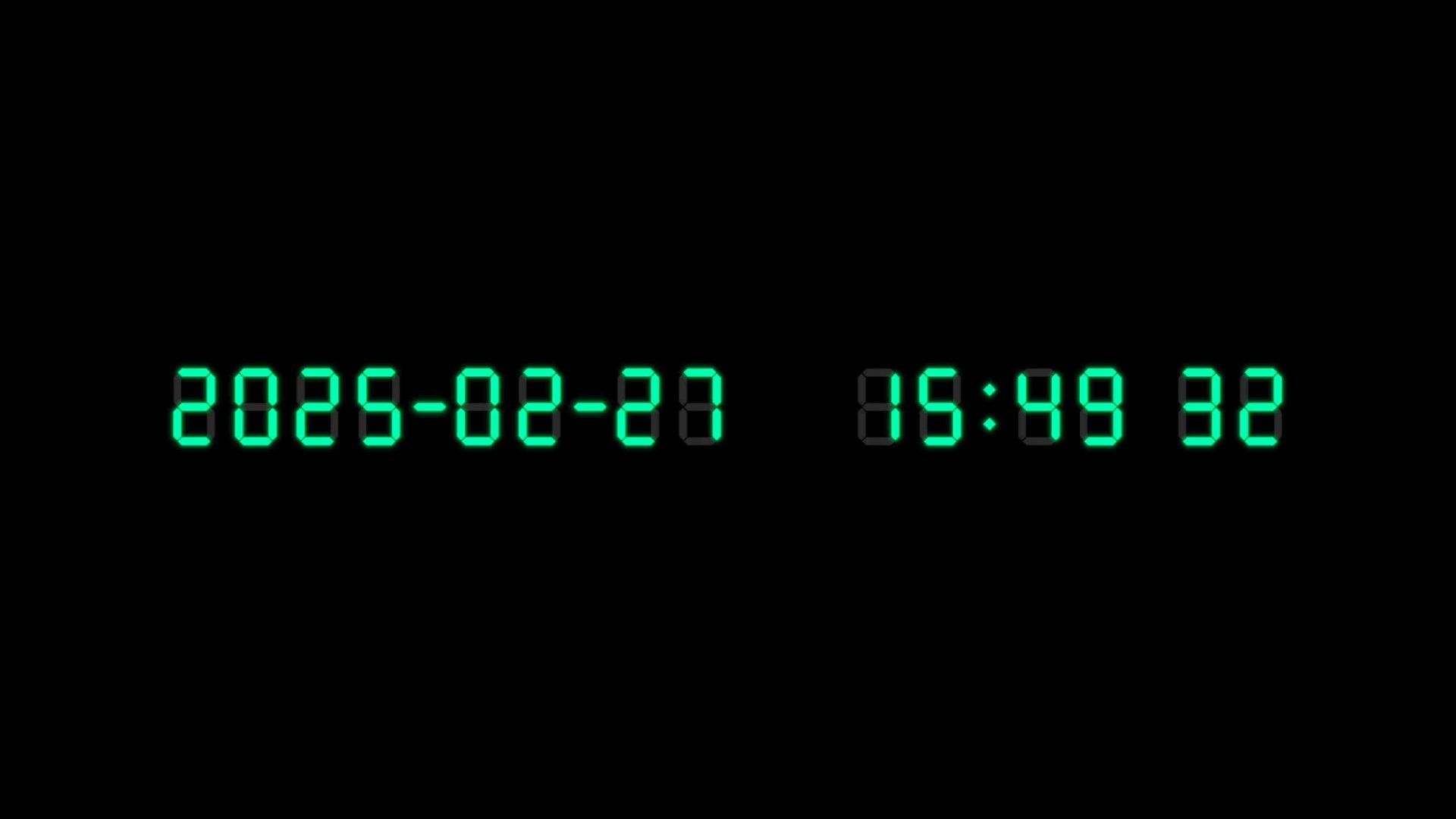
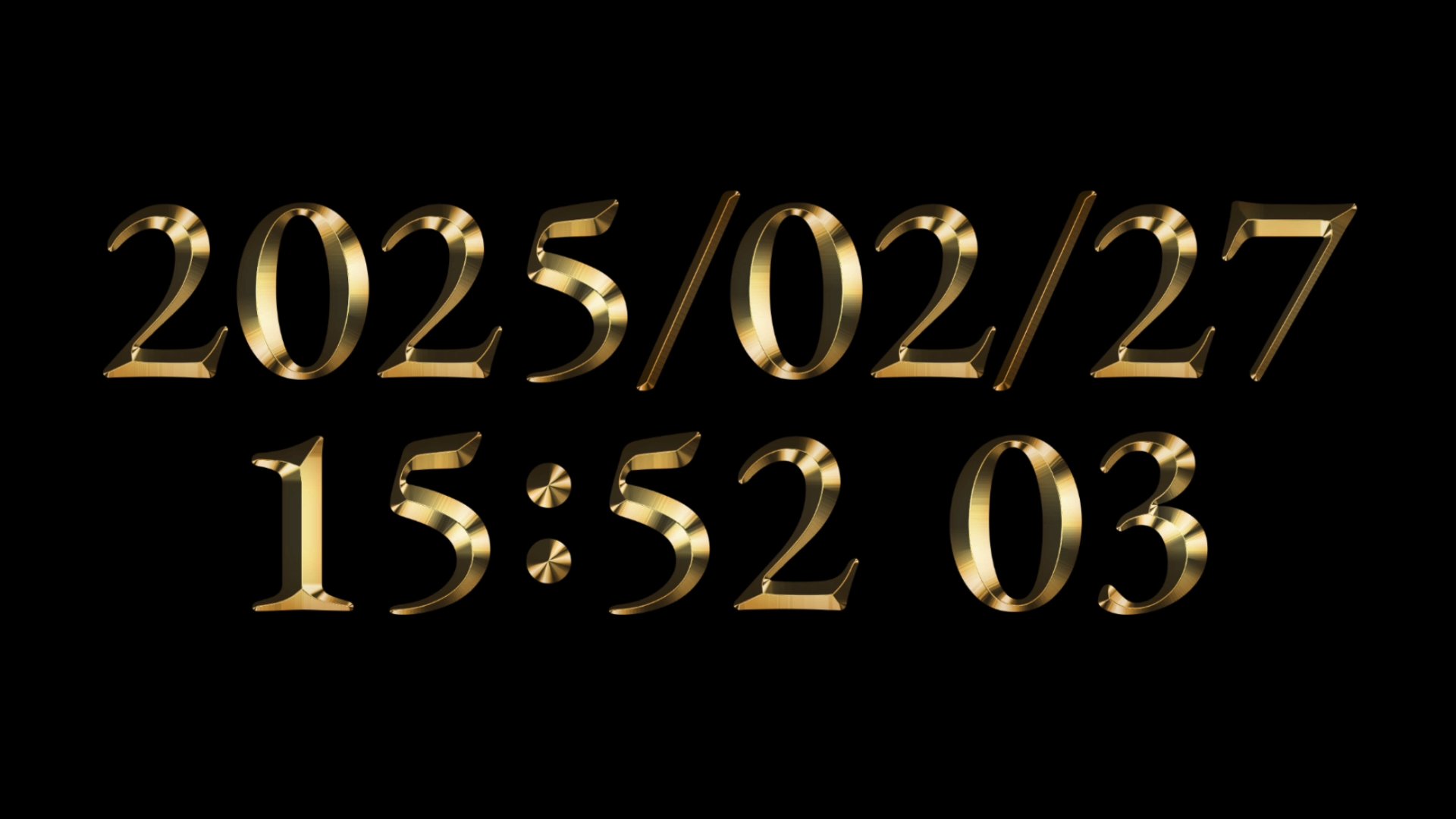
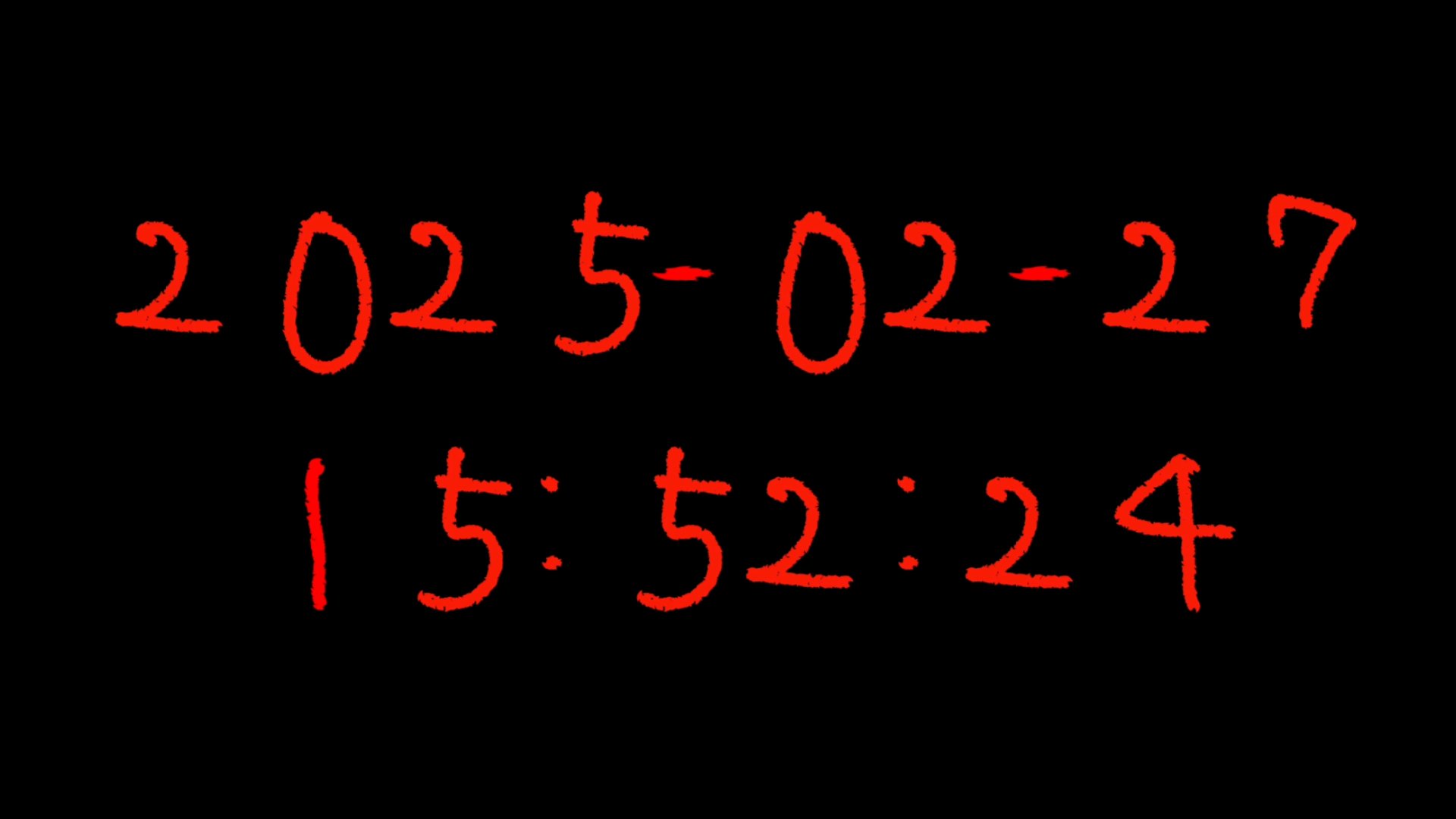
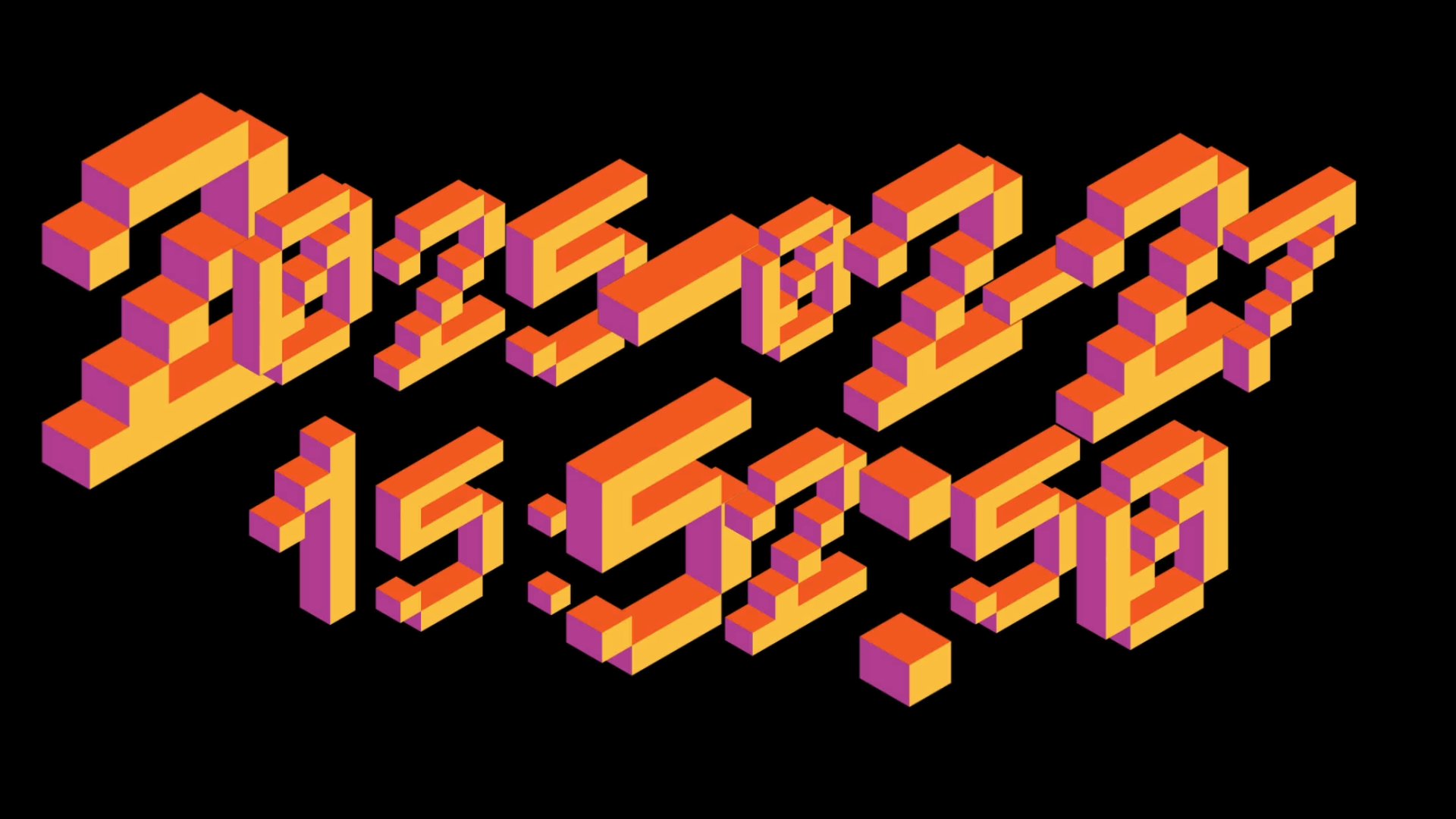
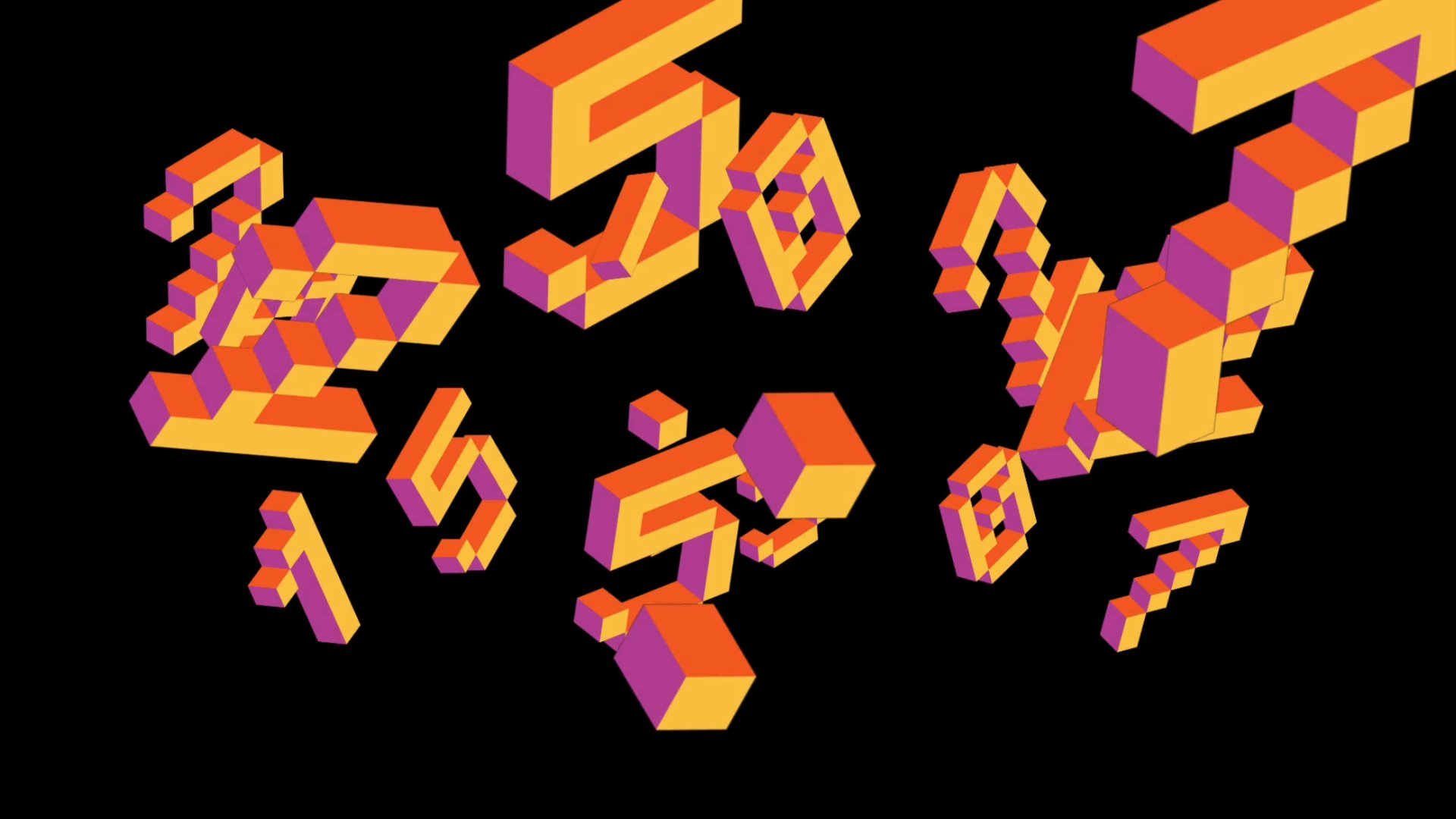
• You can use your own image or video resource files for the digits and separator symbols.
• Assign your favorite image/video resources to each digit and separator to create a unique visual expression. (Thanks to Wire 7.22+!)
• A default set of sample image/video files—quickly put together by me—is included. These can be cleared in bulk using the preset Clear Resources.
Wide Range of Operation Modes
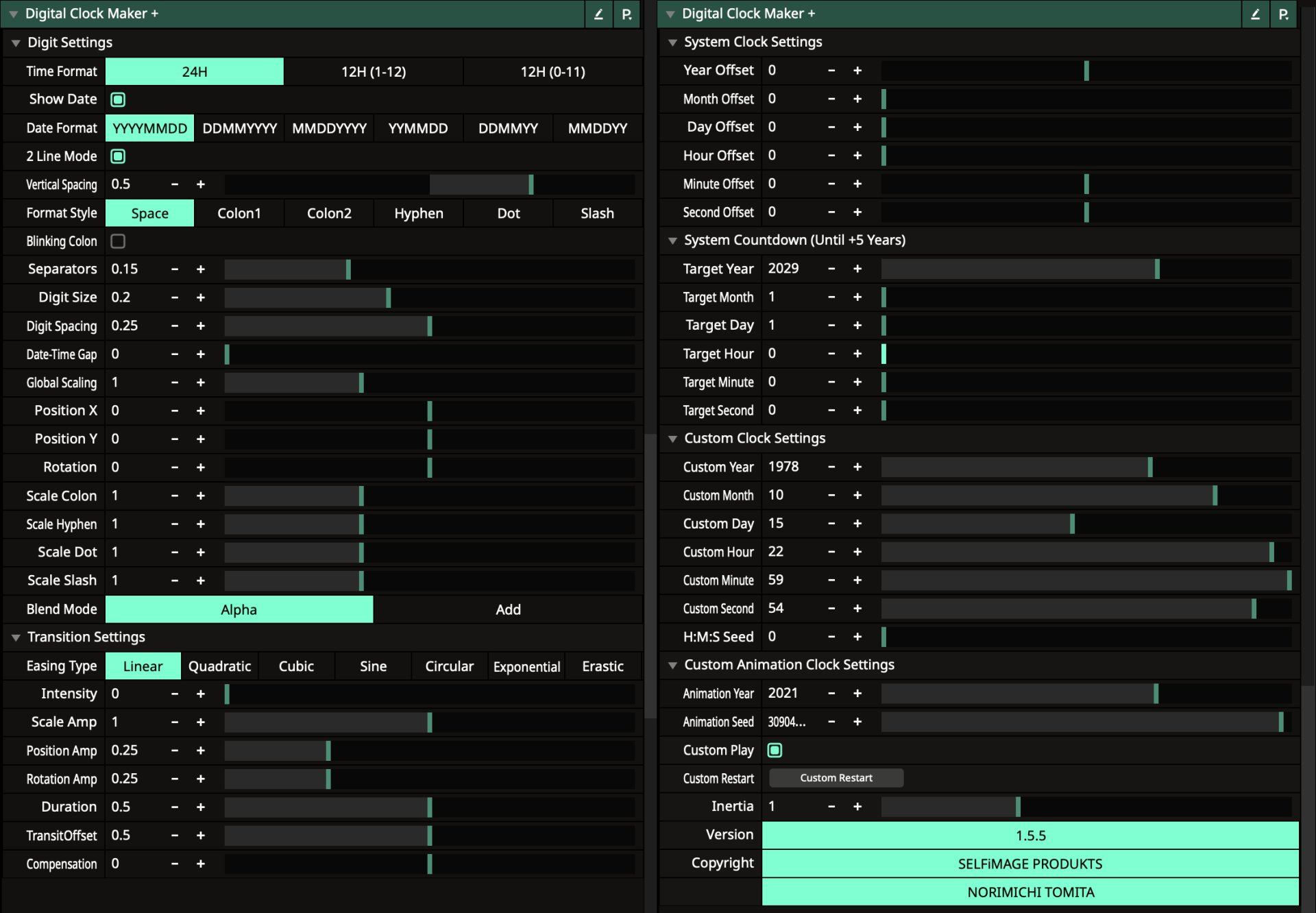
Choose from 4 different modes:
• System Mode: Displays according to your PC/Mac clock.
• Countdown Mode: Shows the remaining time from the current system time until a specified target date and time (configurable up to 5 years ahead). Ideal for live events with a countdown display.
• Custom Mode: Allows for static display and manual resetting as desired.
• Animation Mode: Delivers continuous animated display via timeline settings (note: due to integer processing limitations, linking to the calendar year is disabled).
Advanced Date/Time Calculation Functions
• Features leap year detection and end-of-month support for precise date computations.
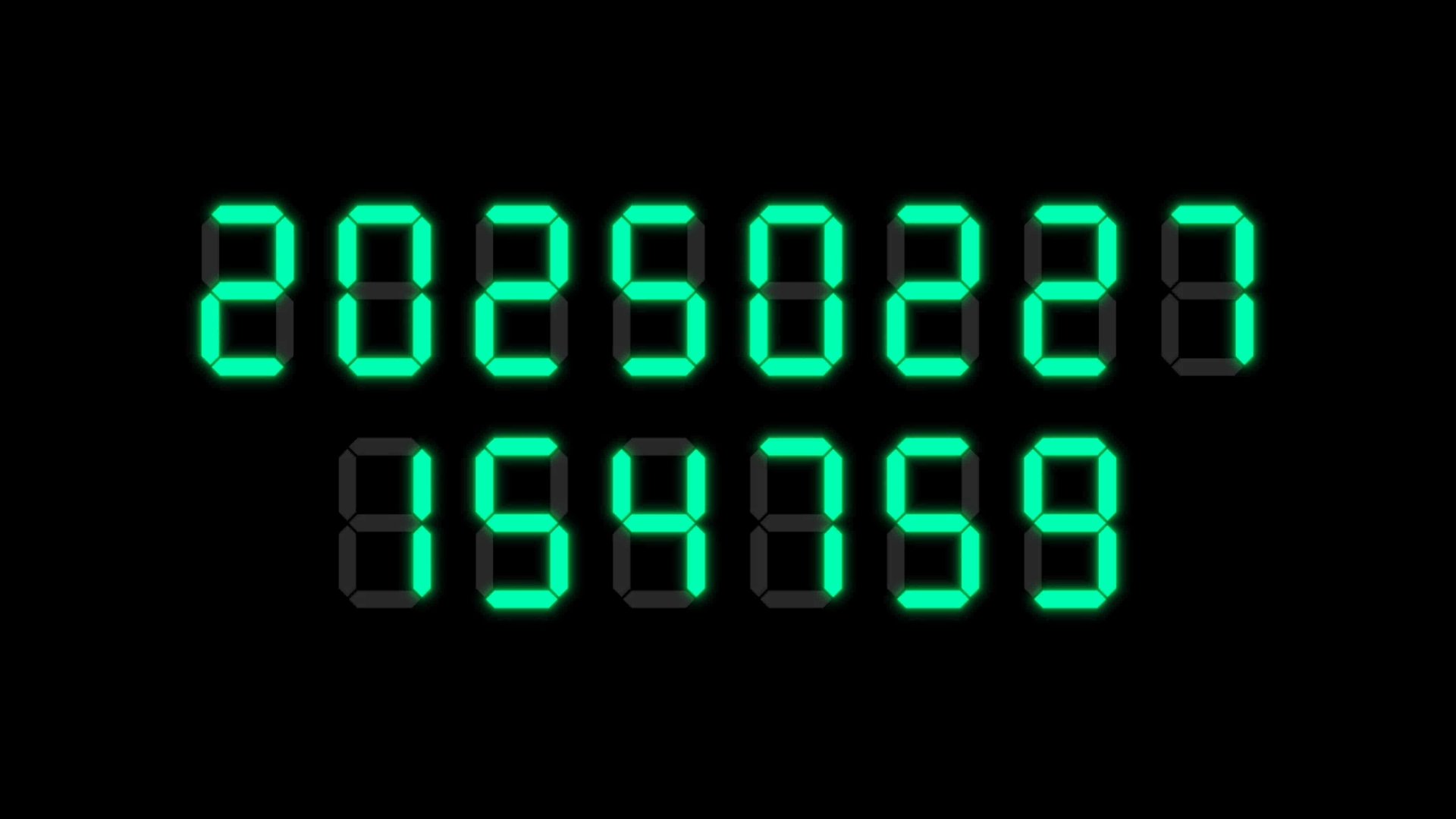
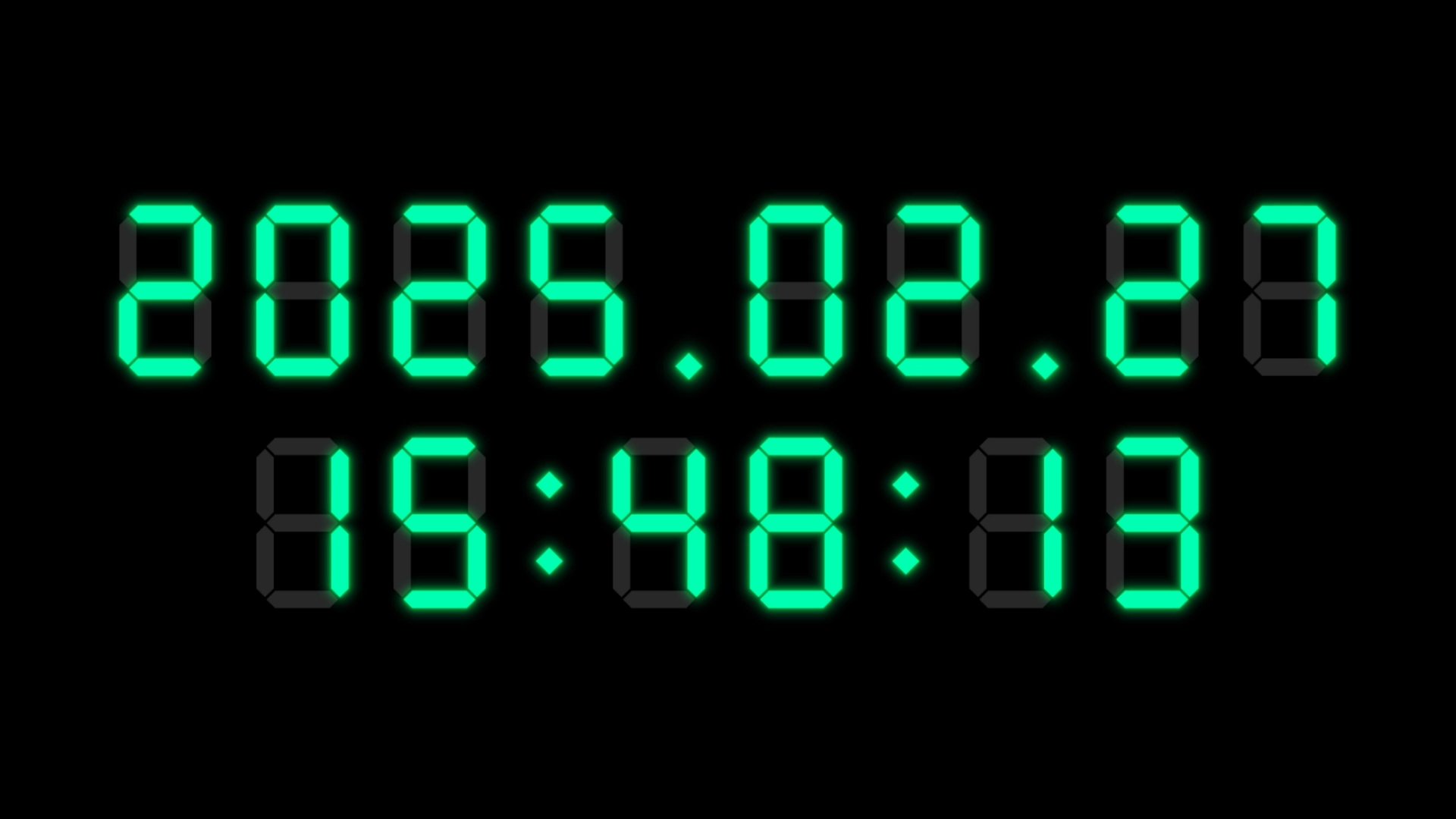
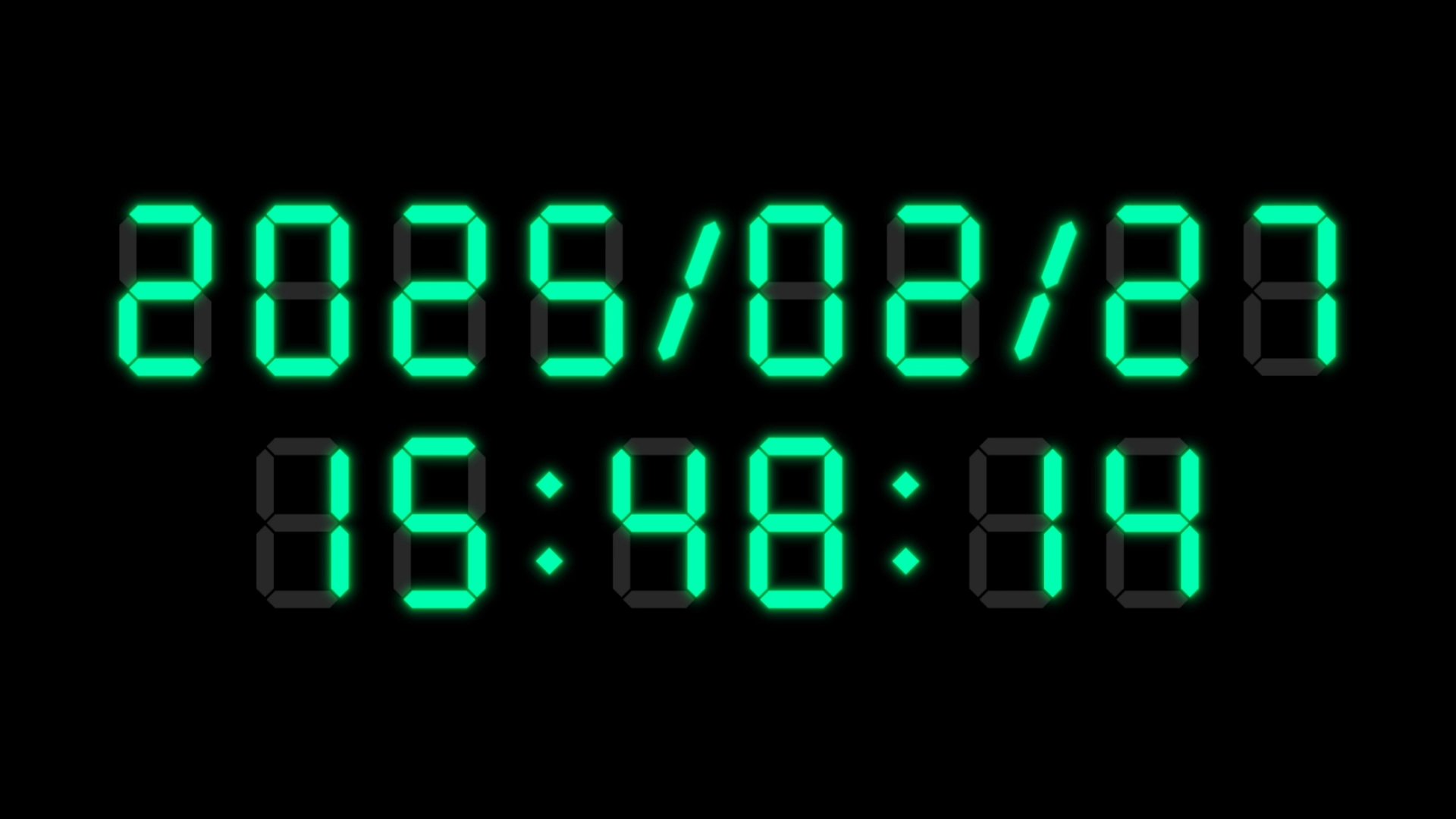
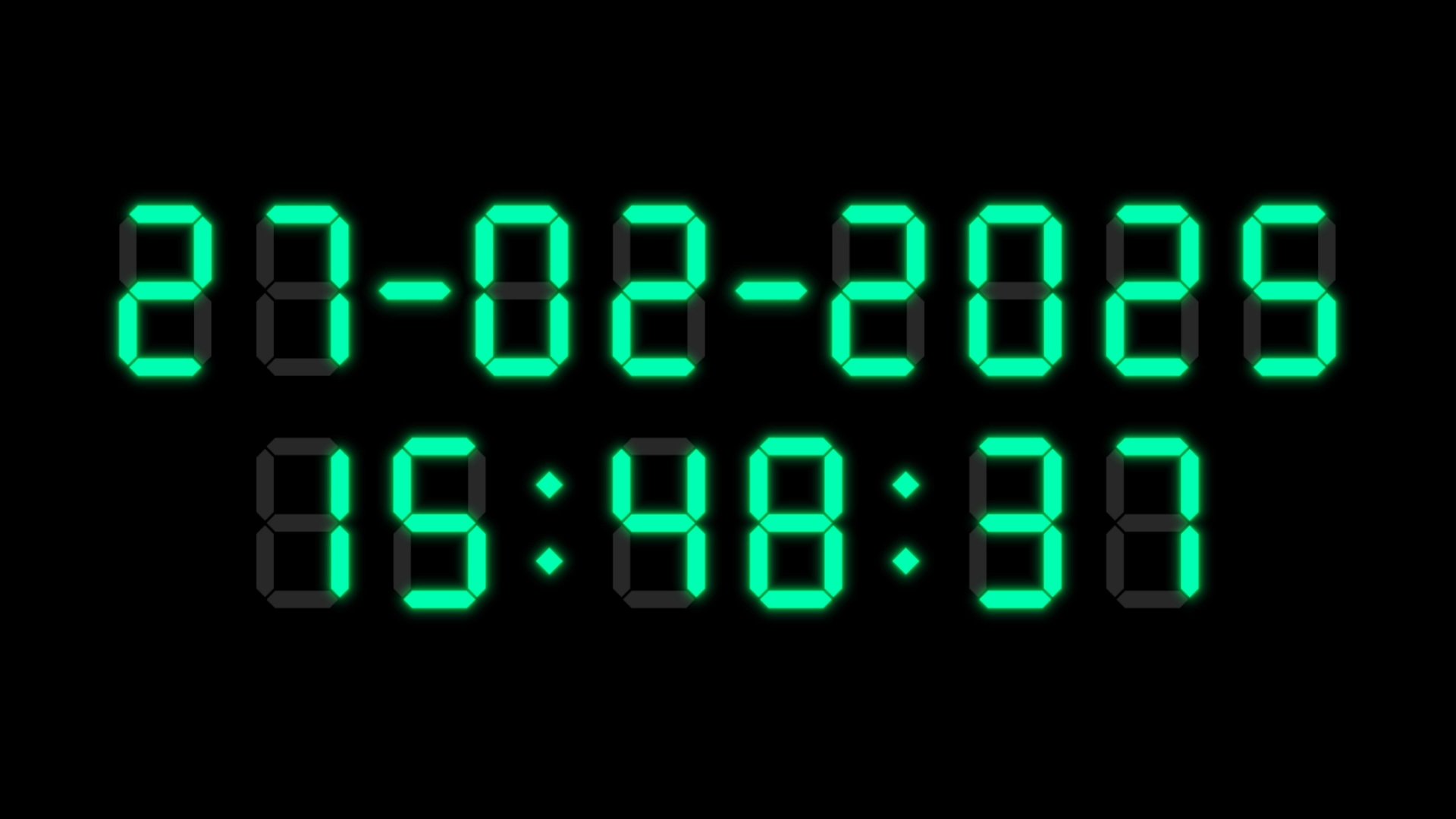
• Compatible with 6 global date formats (YYYYMMDD / DDMMYYYY / MMDDYYYY / YYMMDD / DDMMYY / MMDDYY) and offers the option to toggle date display on or off.
Flexible Display Layout
• Offers both single-line and two-line displays (for example, separating date and time).
• Supports switching between 24-hour and 12-hour time formats.
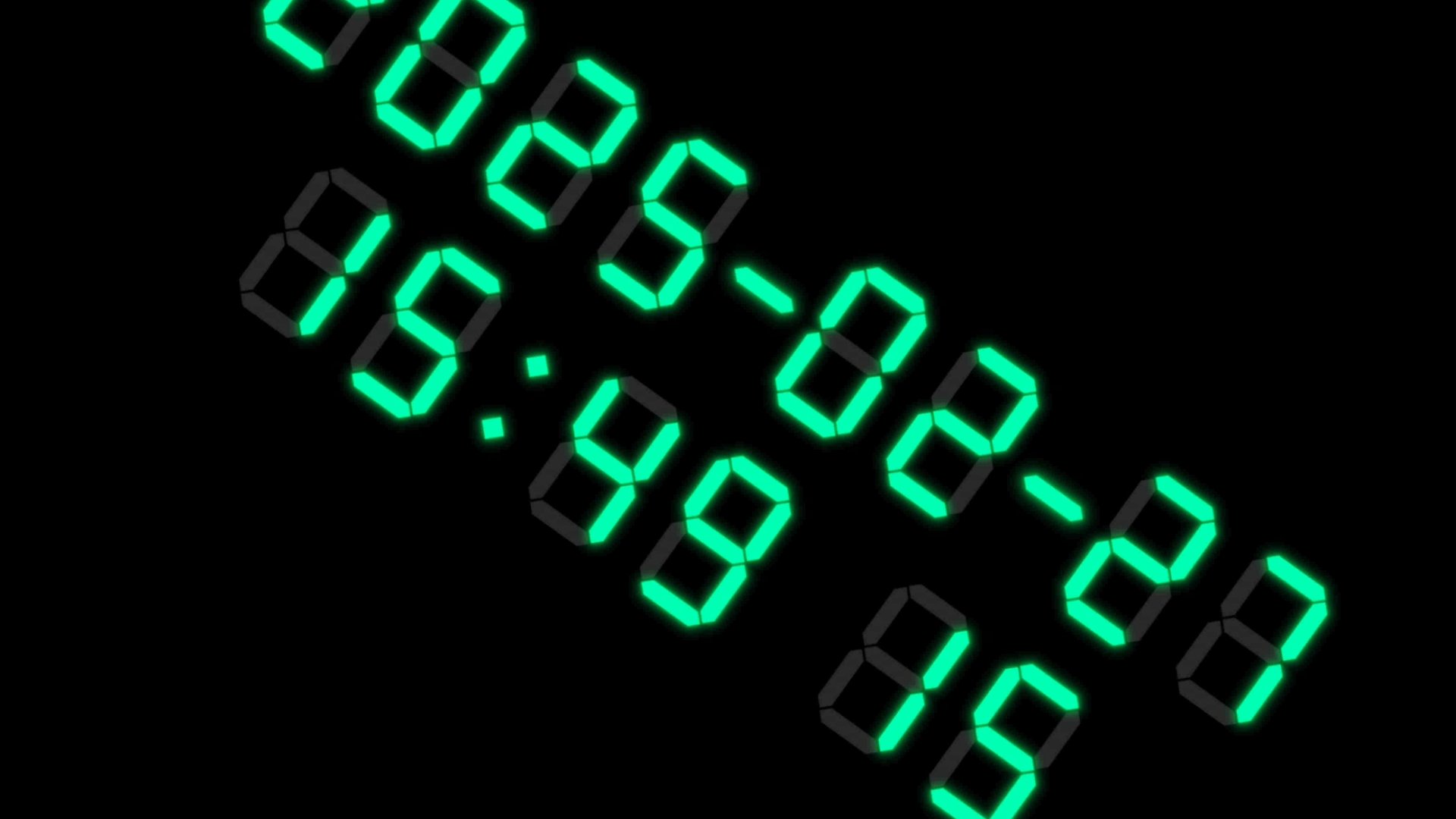
• Allows fine-tuning of Spacing, Scale, Position, and Rotation for each element, and supports multiple separator format styles (Space / Colon / Hyphen / Dot / Slash).
• Includes a colon that blinks on a one-second cycle for enhanced visibility.
• Provides the option to switch between alpha blending and additive blending modes for rendering text and symbols.
Dynamic Transitions
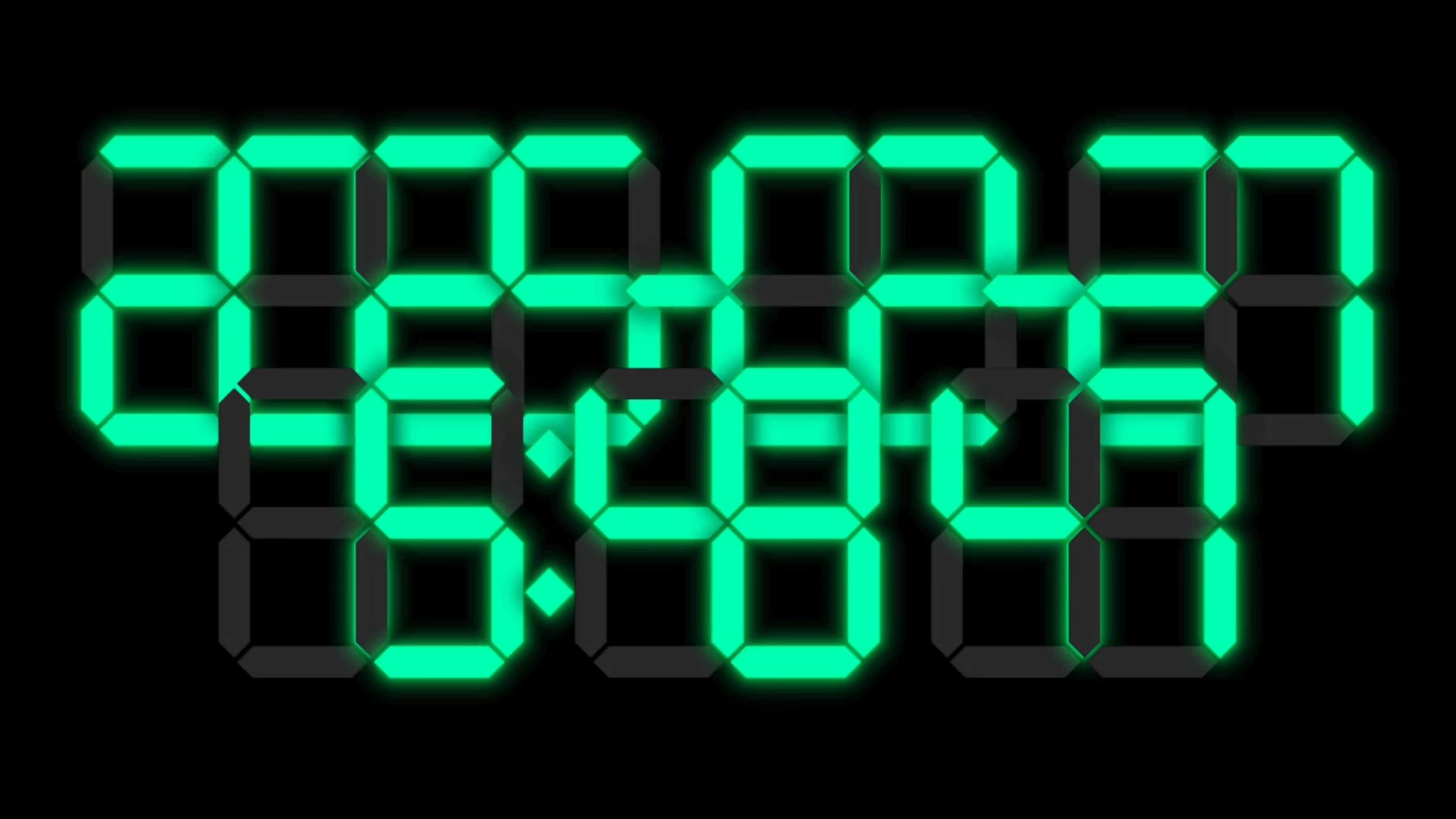
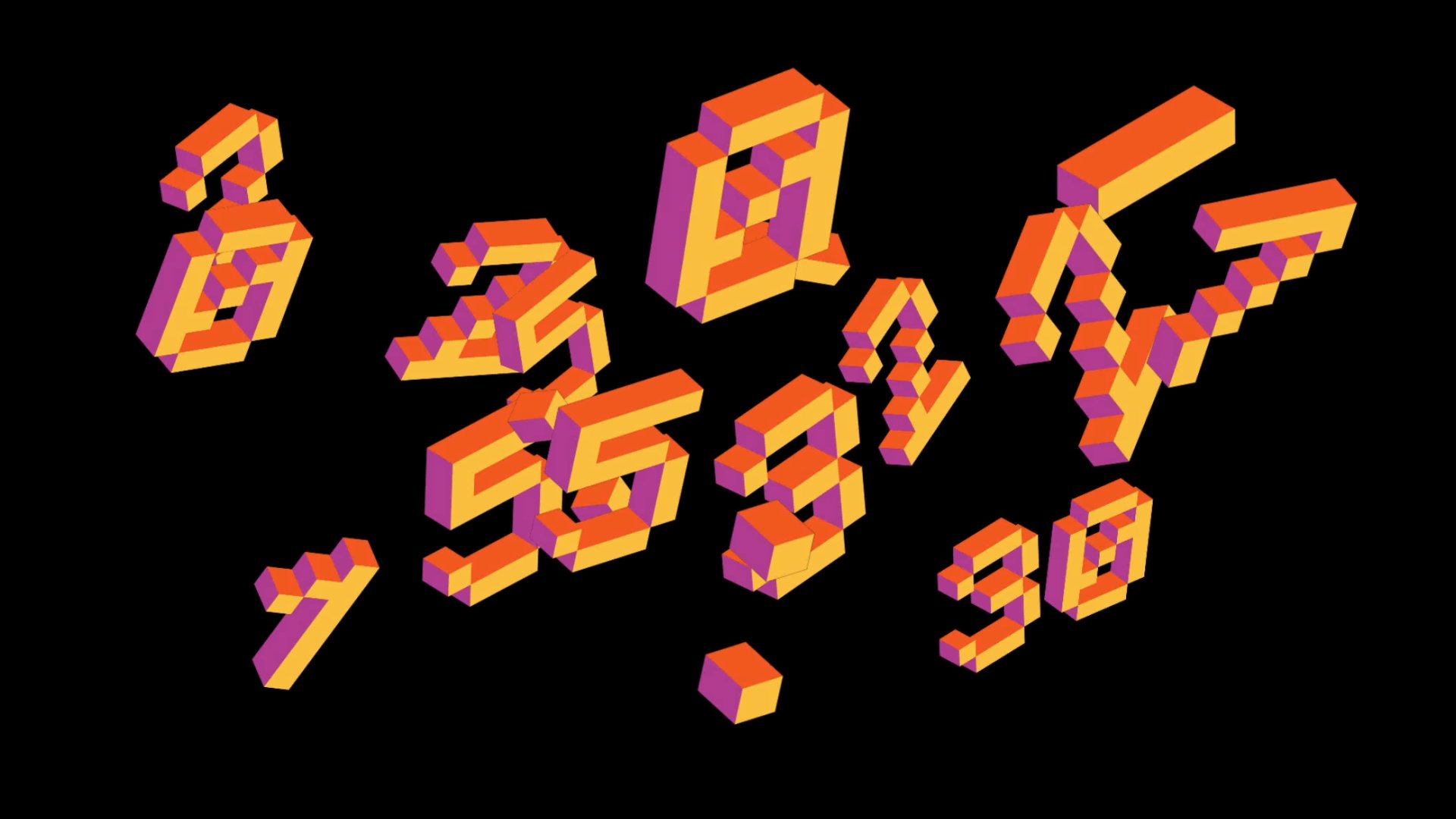
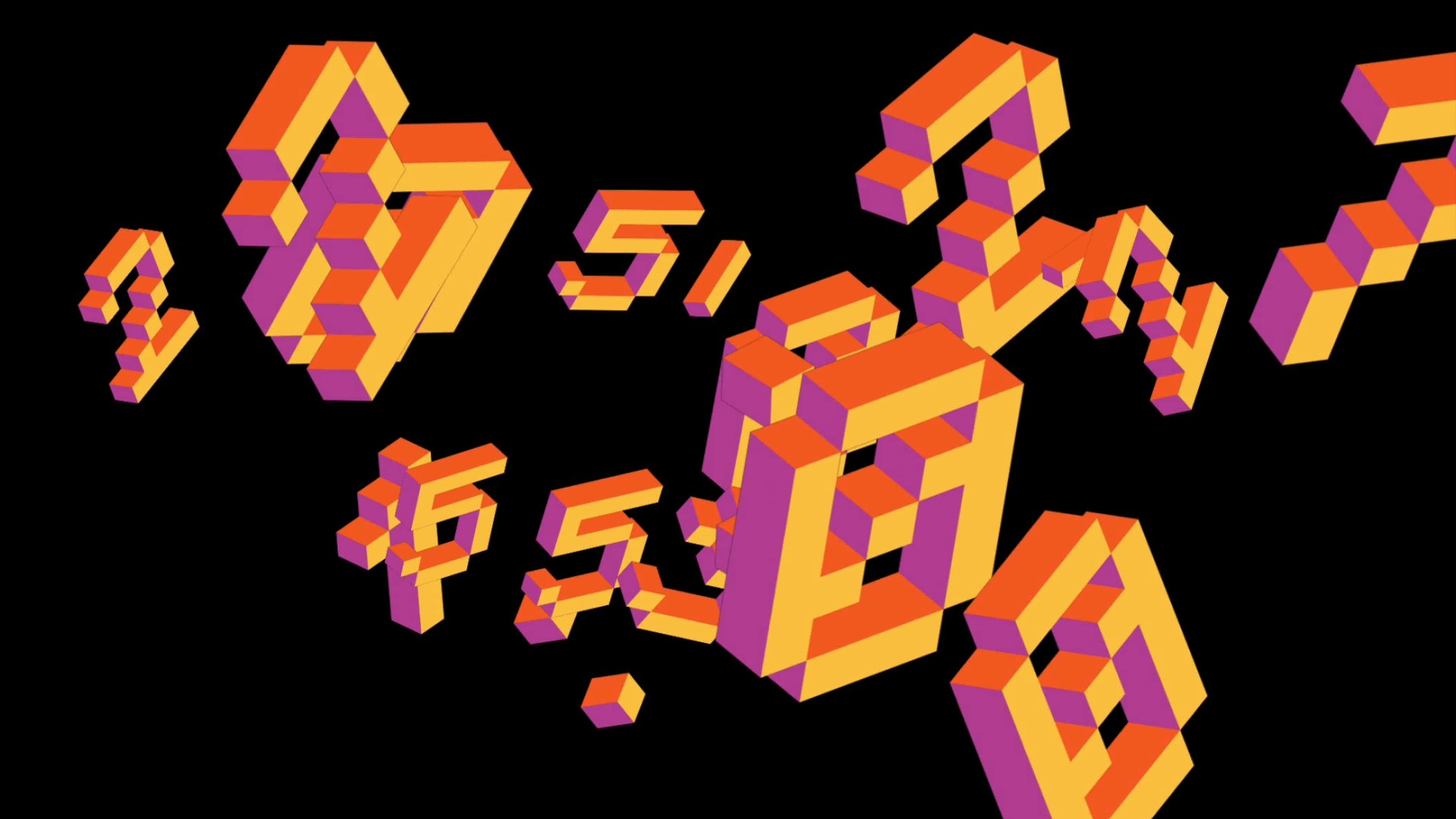
• Each digit and separator is equipped with transition animations that modify position, scale, and rotation.
• Implements 7 easing functions (Linear / Quadratic / Cubic / Sine / Circular / Exponential / Elastic) to achieve smooth and varied motion.
• Applies random transition animations to each element, creating a richer and more dynamic clock display.
(Note: Dynamic Transitions are not supported in Animation Mode.)
For simple operation and visual examples, please refer to the accompanying video.